User surface
Complete the quiz and confirm the user sees the right bucketed path.
Lead Management QA Helper
This is the operator page for the Ceremonia quiz bridge: chatbot quiz, deterministic result buckets, admin lead scores, dry-run nurture emails, dashboard screenshots, and the future-tenant knobs that change scoring, categories, and copy.
Complete the quiz and confirm the user sees the right bucketed path.
Signed gateway completion posts to /api/quiz/lead-intake.
Admin scores update through /api/cron/qualify.
Dry-run emails render by readiness bucket before real-send gates open.
User testing
Run the quiz in a signed-out browser first. Use synthetic QA email addresses for staging runs. The user-facing result is a bucketed readiness path; the raw numeric score is for pipeline and admin verification.
READY
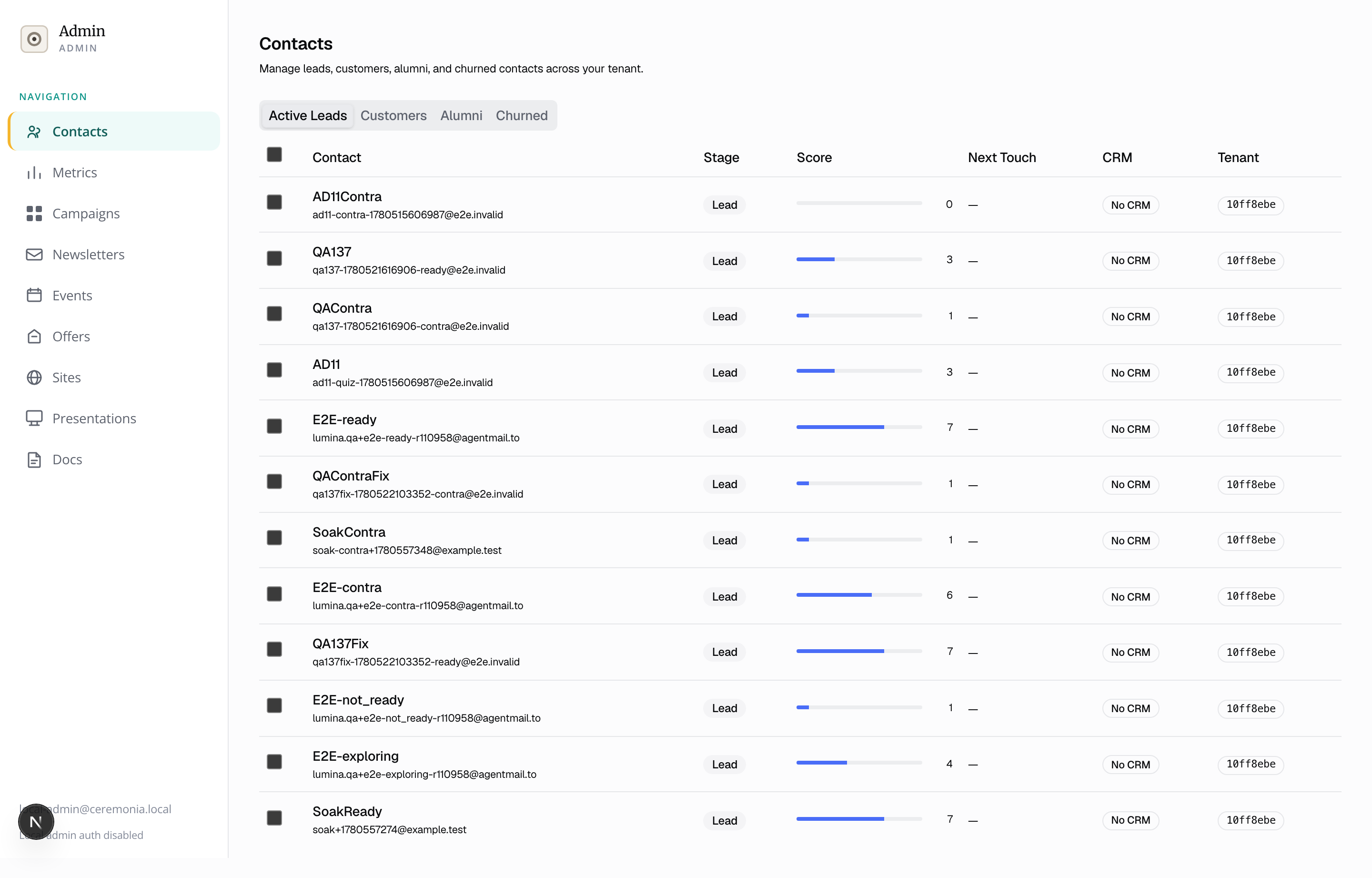
Appears as a lead with a high score bar. Eligible for high-bucket Touch 1 when dry-run dispatch is enabled.
EXPLORING
Appears as a lead with a mid score bar. Eligible for medium-bucket Touch 1.
NOT_READY
Appears as a lead with a low score bar. Eligible for low-bucket Touch 1.
Hard stop
Contact is suppressed during intake and excluded from all nurture cohorts.
How scoring works
The gateway quiz produces a 0-100 score and result bucket. The platform then emits a quiz_completed lifecycle event and recomputes five admin dimensions on a 0-10 scale. Nurture cohorts use the admin readiness dimension.
Bucket cutoffs
q1_motivation
personal_growth 25, trauma_healing 30, curiosity 10, crisis_relief 20, spiritual_seeking 20
q2_preparation
months_of_prep 25, weeks_of_prep 15, just_decided 5, no_prep 0
q3_support_system
strong_network 20, some_support 12, mostly_alone 5, isolated 0
q4_contraindications
No points. Any configured hard_stop_value returns contraindication_hit=true, no score, no bucket, and suppression on platform intake.
q5_themes_freetext
No points. Used for blurb and nurture context only.
| Question | Role | Scoring |
|---|---|---|
| q1_motivation | Motivation category | personal_growth 25, trauma_healing 30, curiosity 10, crisis_relief 20, spiritual_seeking 20 |
| q2_preparation | Preparation category | months_of_prep 25, weeks_of_prep 15, just_decided 5, no_prep 0 |
| q3_support_system | Support category | strong_network 20, some_support 12, mostly_alone 5, isolated 0 |
| q4_contraindications | Safety hard stop | No points. Any configured hard_stop_value returns contraindication_hit=true, no score, no bucket, and suppression on platform intake. |
| q5_themes_freetext | Personalization input | No points. Used for blurb and nurture context only. |
Admin testing
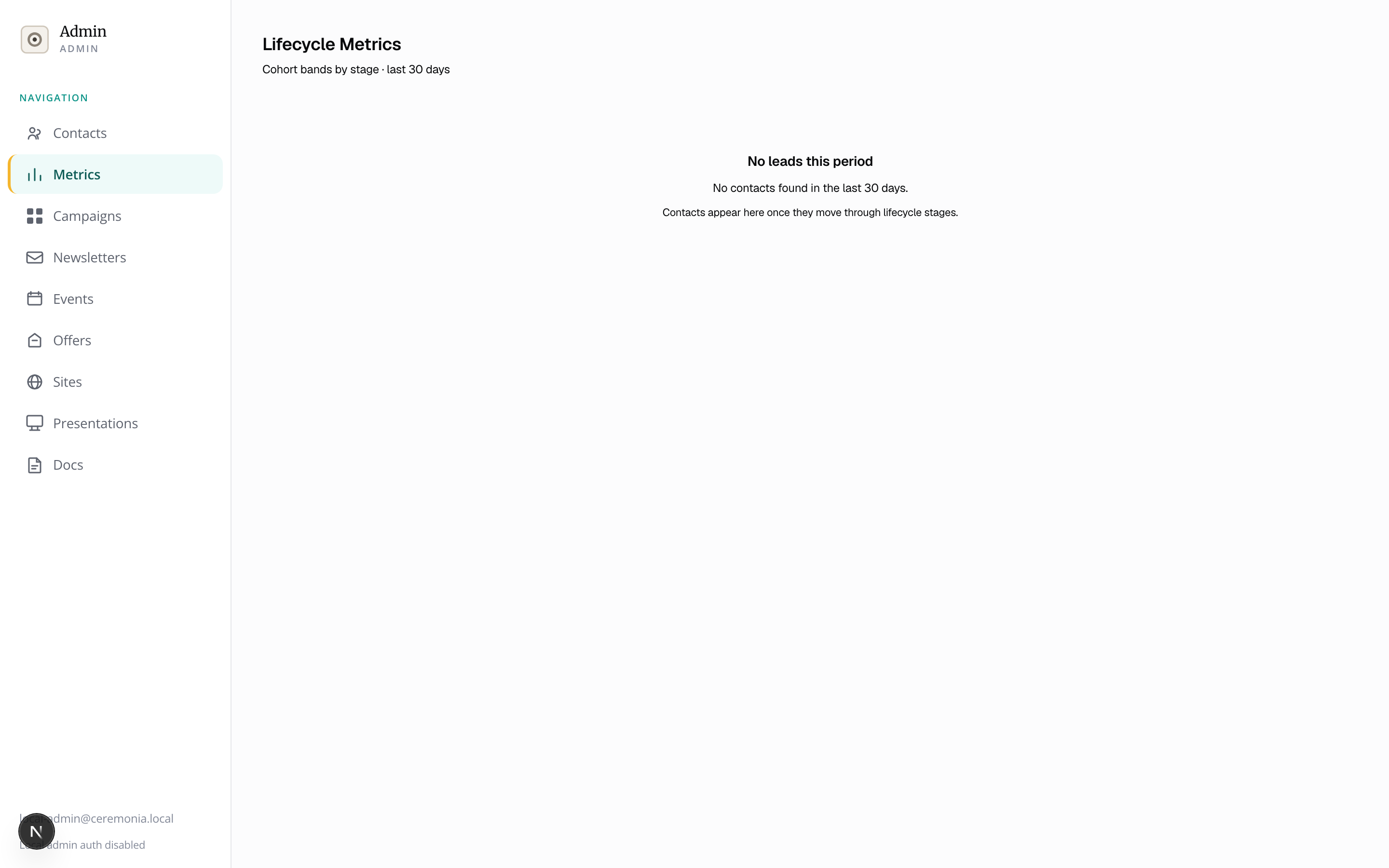
After the quiz completion and scoring cron run, verify the admin surfaces from the same tenant account. The inbox shows row-level lead state; metrics shows aggregate cohort movement.
Open contacts, use the active leads tab, and confirm each test email appears with the expected score bar and lifecycle stage.
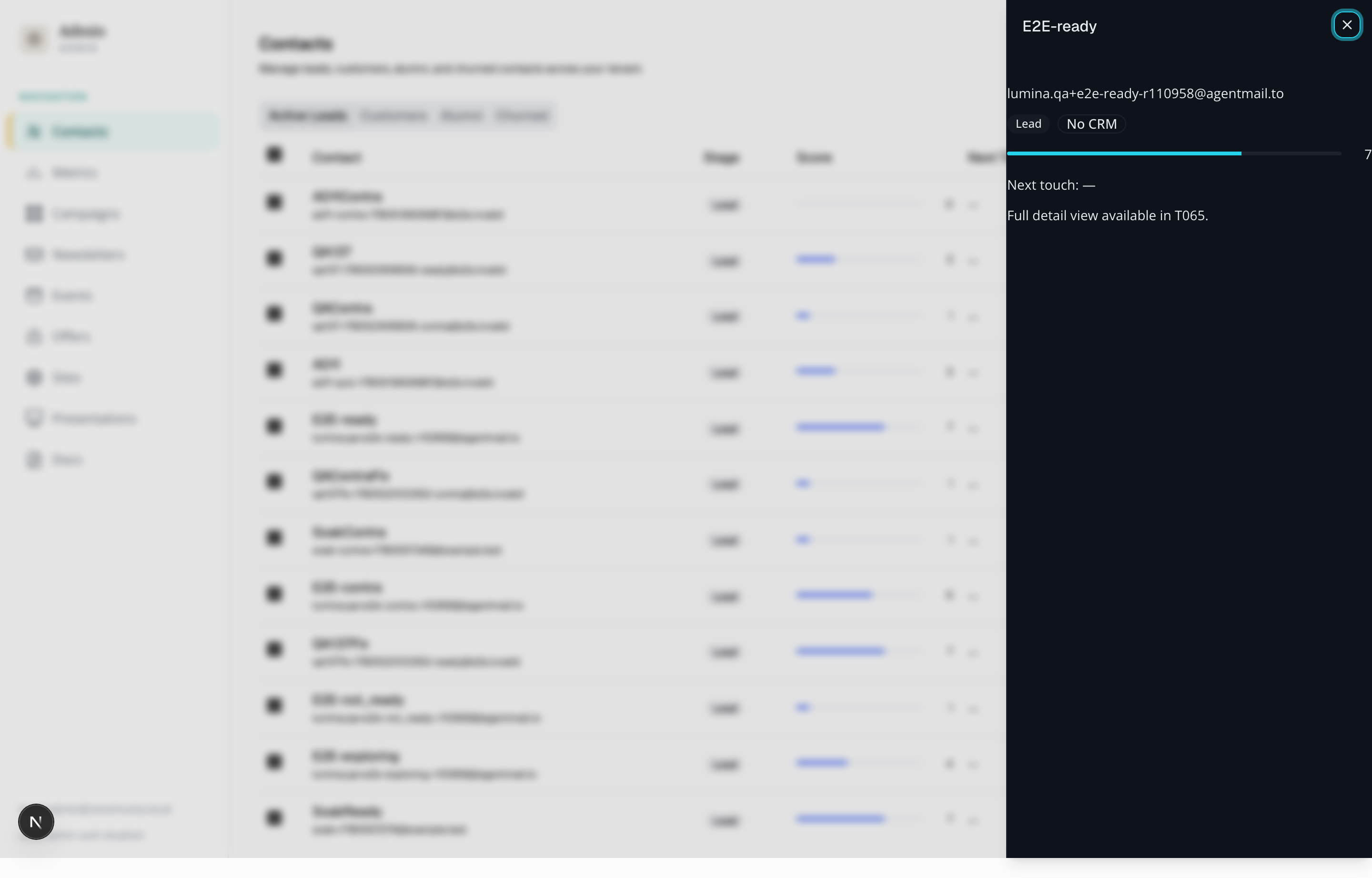
Click a row and verify timeline events: quiz_completed, campaign_attributed when UTM is present, scoring activity, and suppression for hard-stop profiles.
Open the cohort view after projection and scoring. Filter to the quiz campaign and verify the lead bands match the profile mix.
Email previews
These are the deterministic Touch 1 fallback emails. When the lead-nurture agent is enabled, the agent can author copy, but the dispatcher still records whether fallback or agent copy was used.
High readiness
You are ready, and we are here to help you take the next step.
Hi,

Thank you for raising your hand. It is clear you are ready to explore what is next, and we would be honored to walk alongside you.

When you have a moment, reply here or book a time to connect. We will meet you where you are.

With care,
The Ceremonia Team
Dry-run emails include a CAN-SPAM footer and List-Unsubscribe headers. Real recipients are blocked until all send gates are satisfied.
Medium readiness
A warm hello and an invitation to explore at your pace.
Hi,

Welcome. We are glad you are here. There is no rush and no pressure; this is simply an open door.

If a question comes up or you would like to learn more, just reply. We are listening.

With care,
The Ceremonia Team
Dry-run emails include a CAN-SPAM footer and List-Unsubscribe headers. Real recipients are blocked until all send gates are satisfied.
Low readiness
We are glad you are here. Explore whenever you are ready.
Hi,

Thank you for connecting with us. Whenever curiosity calls, we will be here. No timeline, no pressure.

Reply any time; we would love to hear what drew you here.

With care,
The Ceremonia Team
Dry-run emails include a CAN-SPAM footer and List-Unsubscribe headers. Real recipients are blocked until all send gates are satisfied.
Future tenants
Keep tenant-specific categories, weights, copy, and contraindications in config whenever possible. Change shared code only when a tenant needs new behavior that config cannot express. Use Doppler for secrets and keep runtime DB access under withTenantRls.
lumina-tenant-ceremonia/site/quiz-config.yaml, tenants/_template/quiz-config.example.yaml, tenants/_template/quiz-config.schema.json
Edit scoring_rules, bucket_cutoffs, contraindications, and email_templates. Keep tenant-owned source and deployed config paths in sync.
gateway-plugins/lumina-quiz/scoring.ts
Only change code here when YAML cannot express the scoring behavior. Normal tenant weights belong in quiz-config.yaml.
web/src/lib/scoring/deterministic.ts
Controls how lifecycle events become fit, interest, readiness, timing, and budget. Quiz bucket mapping currently drives the first score.
web/src/lib/lifecycle/touch1-select.ts, web/src/lib/lifecycle/nurture-cohort.ts
Controls welcome-window days, qualified lifecycle stages, readiness thresholds, Touch 2 delay, stale claim handling, and cohort grouping.
web/src/workers/nurture-worker.ts, web/src/lib/agents/nurture-copy-client.ts
Controls fallback subjects and bodies for Touch 1 and Touch 2, plus the agent copy contract when NURTURE_AGENT_ENABLED is on.
web/src/lib/nurture/dispatch.ts, nurture_send_gate table, Doppler env
Real sends require cron enabled, dry-run explicitly off, confirmed gate timestamps, a mailing address, and UNSUB_TOKEN_SECRET.
config/tenant-registry.yaml, gateway-plugins/lumina-quiz/tenant-resolver.ts, web/src/app/api/quiz/lead-intake/route.ts
Gateway HMAC uses tenant-scoped secrets. Future tenants need bridge-secret resolution, encryption keys, and config paths verified before launch.